Large-scale displays make your brand stand out at conferences, on billboards and at other events. Scaling up your design is complex — it must have the proper resolution, spacing for distance, lighting and be created to match audience movement past the display. The elements you might use for a billboard people see as they drive past on the interstate vastly differ from the images needed for a screen display at your conference booth.
Here are some essentials to keep in mind as you design graphics that will impress your audience up close or from a distance.
1. Know the Display Type
The large digital advertising billboard market will reach $23,060 million in 2025, with a growth rate of 15.2% annually through 2033. Displays can be anything from a full-wall projection to an LED screen to a stadium jumbotron to a billboard or building wrap. Each medium has its specs and preferences for brightness and contrast. The owners of each space may also have rules surrounding displays at an event or on their property.
2. Focus on Distance and Readability
Although a simple change, something you can do to improve your design’s readability is to gather details about the circumstances and viewing distance. For example, if you create a vertical digital display for the exterior wall of a tall building in New York City, people will likely view it as they drive or walk past. Consider how tall the display is compared to the average person’s height.
Do you want them to notice the display from a block away? How does it look as they move closer? Stand up from your computer screen and view the design from different vantage points to see how it changes and if it is still readable.
3. Choose Aspect Ratio and Refresh Rate
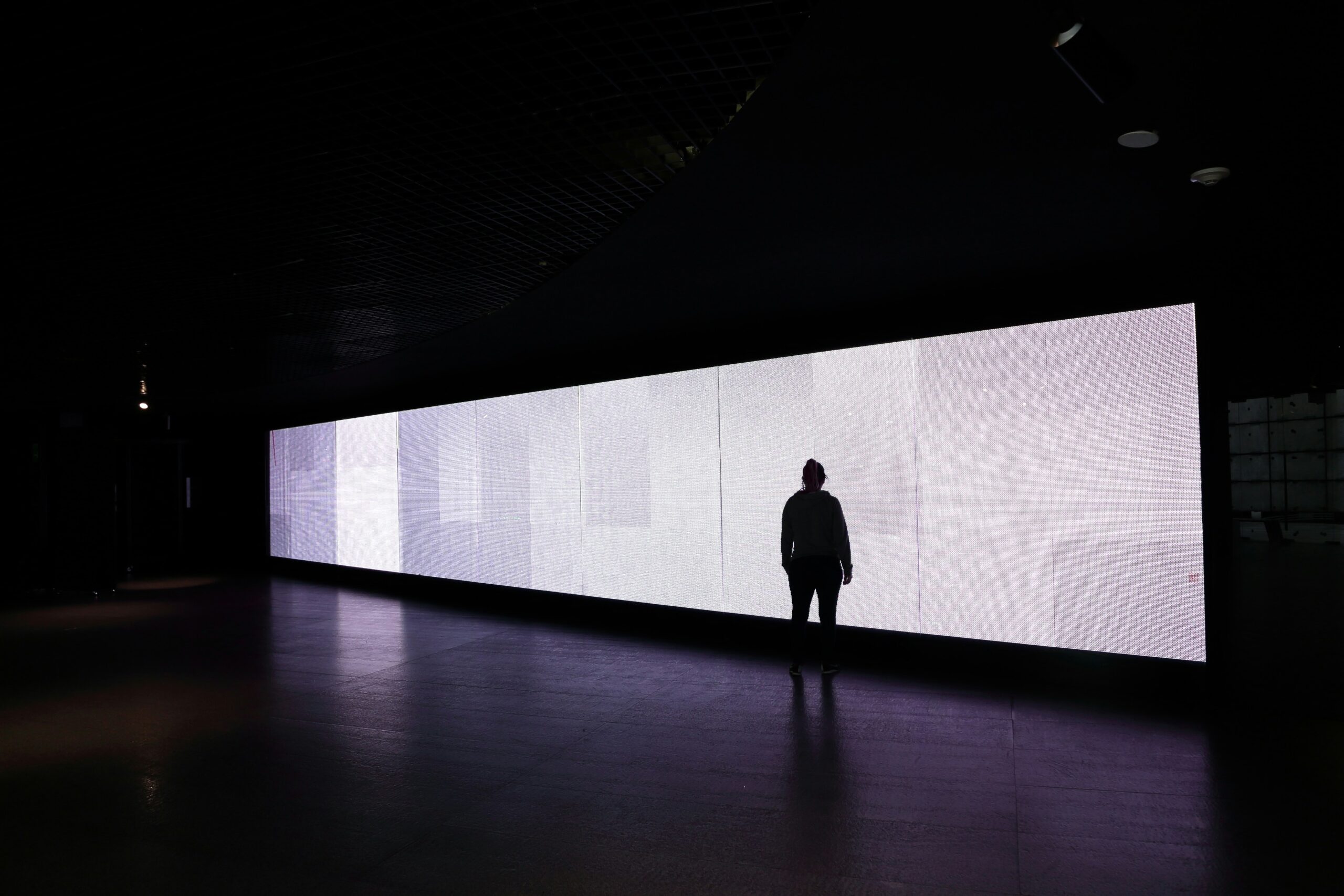
Large-scale displays frequently use unconventional aspect ratios, such as a vertical digital poster or panoramic LED wall. Before you begin your design, make sure you know the specifications. Using incorrect ratios can lead to awkward cropping or skewed images. Instead, work on a mock-up with the exact proportions you’ll need.
Understand the refresh rate of the display you’re working with when designing to ensure multiple images flow one into the next. A low refresh rate is below 60Hz and may create issues with fast-moving objects and motion blurring. You can increase the refresh rate by adjusting display settings and enabling adaptive sync.
4. Assess Environmental Lighting
Consider the different lighting scenarios for your display. For example, if you create a panoramic view for screens at a local business, the lighting is consistent and likely involves some fluorescent bulbs. On the other hand, an outdoor display will have varied lighting as the sun comes up, shines brightly and fades into dusk.
Are there any shades that blend into the landscape in the blast of full sun or that might reflect harshly into drivers’ eyes? What about at night? When selecting a color palette, think through the outdoor or indoor environment.
5. Select the Right Colors
The right colors can grab interest and keep consumers intrigued. Research shows that when brands entertain users, people are more likely to remember the company’s name. Using the right hues adds contrast, making a larger display grab attention from afar. Spend time looking at how letters and images pop against the background and make adjustments until your audience responds well to the design.
6. Aim for Smooth Graphics
In larger formats, some fonts may look jagged and become challenging to read. Similarly, blowing up graphics can make them appear fuzzy. You must aim for smooth graphics that translate well in large-scale displays. For example, a sans serif font adds a modern look and can provide clean, sharp edges to any design. Play around with sizing, typefaces and resolutions until you find the best mix for each design.
7. Save in the Right Format
Different mediums require different file formats. Talk to the owner of the display about their specifications. If you’re designing a presentation for a company for their lobby, you’ll need to know what file types the system recognizes. On the other hand, if you’re sending a billboard ad to a company, you may be required to use a specific resolution for images or send in a format like MP4. The final format can impact which program you use to design the display in the first place.
Be Flexible
Designing for large-scale projects requires the ability to make adjustments on the fly. Using layers in your designs, seeking out image formats that scale up — like SVGs — and adapting when something isn’t working will allow you to succeed with this design work.
Creating a bigger display requires knowing how the finished project will look up close and far away. Making the right design choices early lets you focus on the message, entertain the viewer and wow your audience.