Designing UI and UX is not an easy task, especially if you must do it as a collaborative project. Adobe XD offers a great space to design UI and UX as a team. Smart, interactive, and easy to use, Adobe XD is a great tool for designers and business owners to get creative in a more efficient way.
How Adobe XD Works
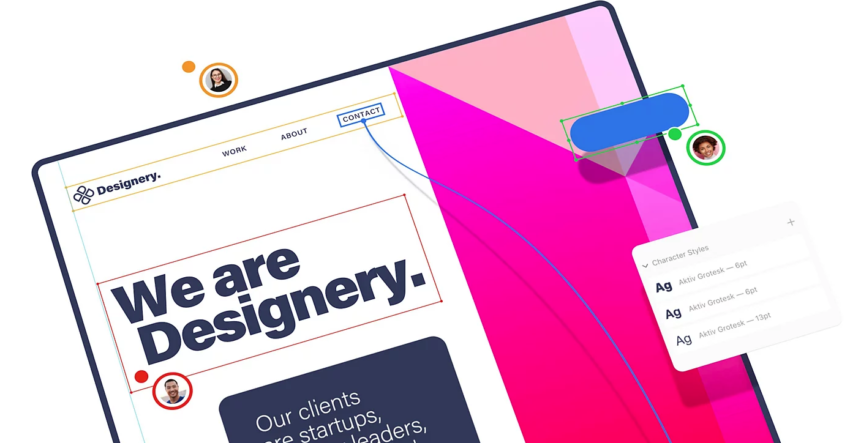
Adobe XD is one of the products of Adobe Creative Cloud, created for vector-based design activities. Its main functions are creating prototypes and screen designs for various purposes, mainly digital products like apps and web design elements.
Adobe XD makes creating prototypes easier with its on-site preview. It also provides collaboration tools with various functions such as text messaging and file sharing. The mobile version is available to help designers seeing the previews on mobile devices.
Main Features of Adobe XD
Adobe XD offers great features for creating image and animated prototypes in a collaborative setting. The most important features include:
1. Cloud Documents and Libraries
Forget accessing your design files and documents from separate folders. Adobe XD offers its own cloud system to store and share files. You can also access shared resources, like files, logos, graphics, and photo files.
2. Layout Elements
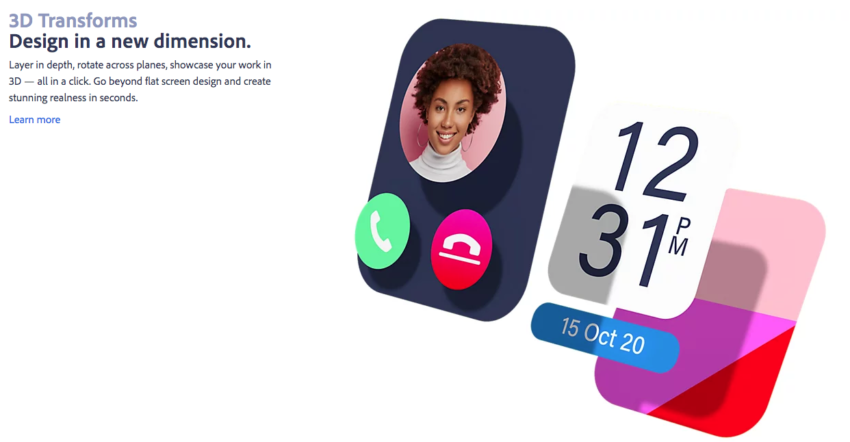
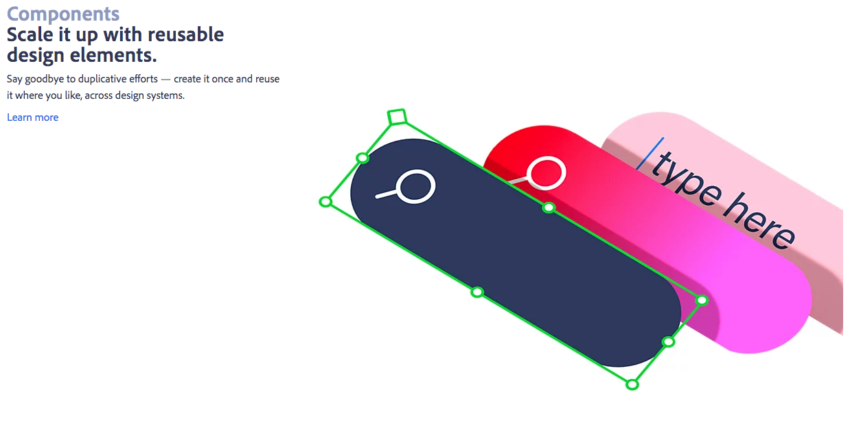
Designing layouts for web pages and apps requires multiple tools to create the best user experience. The layout elements in Adobe XD include 3D Transforms for creating depth and 3D perspectives, Repeat Grid to create grid duplicates, Content-Aware Layout to create automatic layout size changes, and Components to create cards and buttons.
3. Auto Animate
Auto Animate helps users create animation effects easily. You can create various color and movement shifts for lively demos.
4. Coediting Space
Adobe XD has a coediting space for the entire team, allowing multiple users to work on one file from anywhere. The team leader can create special access with a password to ensure the security of the project. The coediting space also has a recording tool to record the demo preview.
5. Design Tool Integration
If you work with multiple tools, you can integrate them with Adobe XD without doing multiple steps to download and upload the files. Adobe XD is integrated with tools like Sketch, Illustrator, Photoshop, and After Effect, making it convenient for designers to work with multiple tools.
6. Adobe Fonts
As a member of the Adobe series, the XD has access to thousands of Adobe Fonts. Choose between serif, sans serif, decorative, and script fonts to create the most attractive designs.
7. Gaming Controller and Keyboard Supports
You can work with keyboards and gaming controllers in Adobe XD. A perfect feature for those working on game designs and other specific creative projects.
Benefits of Using Adobe XD
Adobe XD makes design projects more convenient, especially for a collaborative project. Everyone can immediately see the work-in-progress, design previews, and final products. Remote teams can share and receive inputs, critiques, and ideas through a convenient workspace and communication channel.
Adobe XD also makes prototyping easier, perfect for commercial designers. Animations, vector images, and audio samples are available to work on. You can use the mobile version to see the preview right on the mobile devices, saving a lot of time and energy in designing apps.
The collaborative project makes design projects easier, especially in making prototypes and commercial designs. Use Adobe XD as a collaborative design tool to create the best design products.